
Print Your Canva Designs
Made a poster, print or artwork in Canva? Export it and we'll print it properly on archival fine-art paper — far better than a home printer. Upload your file, pick a size.
From $14
Made-to-order in our workshop · 27 sizes including A-paper · Ships ready to hang
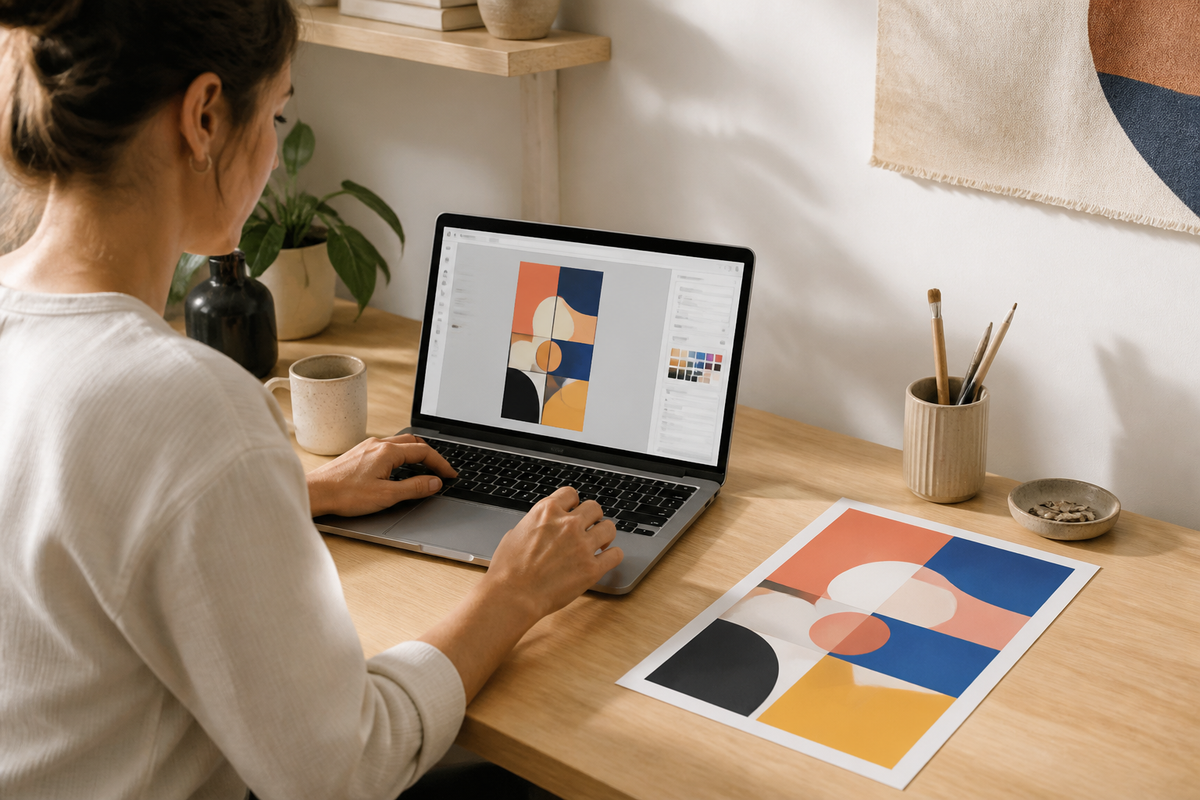

THE PRINT
Gallery quality, made to order.
-
01
Archival paper
Heavyweight archival paper that stays bright for decades.
-
02
Pigment inks
Giclée pigment inks for smooth tones, deep blacks and fade resistance.
-
03
Any size
6x4" to A1, or enter your own custom size.
-
04
Fast and free
Dispatched in 2–5 working days, shipped flat, free standard delivery.
THE DETAILS
Printed properly, made to last.
How to export from Canva for print
Canva is great for designing — but its built-in print options are limited. Export your design and send it to us for a proper archival giclée print instead.
- Set your Canva design to the size you want to print before exporting.
- Share → Download → choose PDF Print (best) or PNG, and tick the high-quality option.
- Flatten any layers and avoid free-stock watermarked elements.
- Upload the file here, choose your size, and we print to order.
All of our print services use the same archival paper and pigment inks — read how our giclée and fine art printing works, from paper to sizes and turnaround.
-
01
Upload your file
JPEG, PNG or TIFF, ideally around 300 DPI at your print size. The preview shows exactly how it will print.
-
02
Choose your size
Photo sizes, A-sizes up to A1, or a custom size. Add a frame and mount if you want it ready to hang.
-
03
Printed and dispatched
Printed on archival paper with pigment inks, checked by hand and dispatched flat in 2–5 working days.
WHAT WE PRINT
Print services for every kind of work.
-
 Fine Art Reproduction PrintsTurn your original painting or drawing into museum-quality giclée reproductions. Photog...
-
 Print Your Digital ArtUpload any digital file — Procreate exports, Photoshop work, AI-generated art or an Ets...
-
 Print Your Etsy & Digital DownloadsBought a digital download or printable on Etsy? Skip the home printer. Upload the file ...
-
 Giclée & Fine Art PrintingMuseum-quality giclée prints of your artwork and photography. Upload your file, choose ...
-
Giclée Printing in LondonLondon-based giclée printing for artists and photographers. Upload your work and we pri...
-
 Print Your Procreate ArtExport your Procreate canvas and we'll turn it into a gallery-grade giclée print. Uploa...
-
 Art Prints Ready to SellSelling at fairs, markets or online? We print your artwork on archival fine-art paper, ...


Common questions,
honest answers.
Can't find what you're looking for? Contact us via chat or email.
How do I export a Canva design for printing?
Share → Download → PDF Print (or high-quality PNG). Set your design to the right size first, then upload the file and choose your print size.
Will my Canva design print sharp?
Yes, as long as you export at PDF Print or high-quality PNG and your design was built at a sensible size. We'll flag it if a file looks too small.
What paper do you print on?
Premium archival fine-art paper with pigment giclée inks — fade-resistant and colour-accurate for decades.
Can I get it framed?
Yes. Add a made-to-measure frame and mount when you configure your print, and we print, frame and assemble it ready to hang.